Complete Guide to YouTube Transcripts: Converting Video Speech into Searchable Text
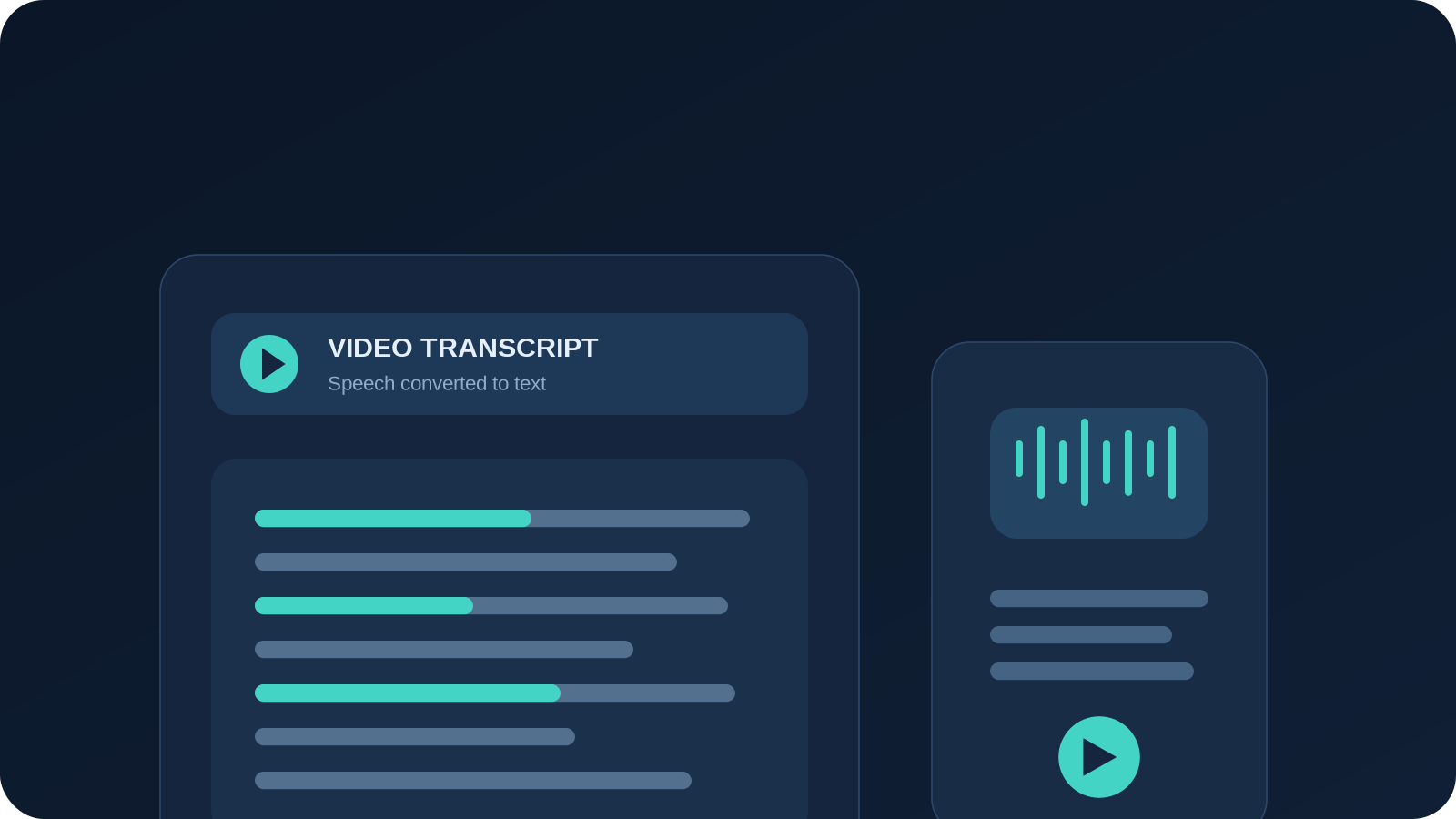
Video content is one of the most effective mediums for learning and entertainment, but finding specific information inside a 60-minute podcast or lecture can be time-consuming. A YouTube Transcript Generator extracts every spoken word from video captions, allowing students, researchers, journalists, and content creators to read, search, and repurpose spoken audio into written text within seconds.
How YouTube Transcripts Work: ASR Technology vs. Manual Captions
Every transcript on YouTube originates from one of two distinct sources: creator-uploaded subtitle files or Google's automated machine-learning speech recognition algorithms:
| Feature / Metric | Creator-Uploaded Subtitles | YouTube Auto-Generated Captions (ASR) |
|---|---|---|
| Source | Human transcribed (SRT, VTT, SBV files) | Google Cloud Automatic Speech Recognition |
| Average Accuracy | 98% – 100% (High Precision) | 85% – 95% (Depends on audio clarity) |
| Punctuation & Capitalization | Proper commas, periods, and sentence casing | Limited punctuation; continuous word stream |
| Handling of Accents & Slang | Accurately captures regional dialects & slang | May struggle with heavy accents or background noise |
| Best Use Case | Formal citations, translations, legal review | Quick notes, keyword scanning, AI summaries |
4 Practical Ways Creators & Students Use Video Transcripts
Extracting text from videos provides substantial productivity and SEO advantages across multiple workflows:
- 1. Repurposing YouTube Videos into Blog Posts: Digital marketers use transcripts to convert long-form video scripts into search-optimized articles, newsletters, and LinkedIn posts without writing content from scratch.
- 2. Academic Study & Lecture Notes: Students extract transcripts from university lectures and educational tutorials to create searchable study guides, highlighting key formulas and definitions.
- 3. Feeding Text into AI Summarizers: Content researchers copy full transcripts and prompt AI tools (like ChatGPT or Claude) to generate 5-bullet executive summaries, chapter outlines, or key takeaways.
- 4. Quick Information Retrieval: Instead of scrubbing through a 40-minute tutorial to find a specific code snippet or command, users can use
Ctrl + Fon a transcript to find exact timestamps instantly.
Why Do Some YouTube Videos Have Inaccurate or Missing Transcripts?
If you encounter a video with no accessible transcript, the platform usually falls into one of three scenarios:
- Subtitles Disabled by Creator: Some channel owners deliberately turn off community and automatic captions in YouTube Studio settings.
- Low Audio Quality or Music Overload: If a video has loud background music, overlapping voices, or distorted microphone audio, YouTube's speech-to-text algorithm fails to process the audio stream.
- Newly Uploaded Content: Automatic speech recognition takes between 2 to 24 hours to generate captions after a new video is published, especially for longer uploads.
Frequently Asked Questions (FAQs)
Can I extract a transcript from a video without captions?
No tool can extract a native transcript if YouTube's servers have neither creator-uploaded subtitles nor automatic speech recognition captions enabled. If a video has zero caption tracks, an external audio-to-text transcription engine would be required.
Does the YouTube Transcript Generator work on mobile phones?
Yes. YTEarningCheck's Transcript Generator is fully responsive and runs in mobile web browsers (Chrome, Safari, Firefox). You can paste any video link and copy the extracted transcript directly on Android or iPhone.
Can I download transcripts in multiple languages?
Our tool prioritizes native English and Hindi transcripts. If the video creator uploaded subtitles in another language (such as Spanish, French, or Bengali), the extractor retrieves the primary available caption track.
Is it legal to copy and use someone's video transcript?
Copying transcripts for personal study, note-taking, and research is completely legal under fair use. However, republishing someone else's spoken words verbatim as a commercial product or paid book without permission infringes the creator's copyright.